
VPNs explained: what they hide and what they don't
What a VPN actually hides from your network, your internet provider and websites, what it doesn't hide, and how to choose a VPN company sensibly.
Published

On this page
The short answer: a VPN sends your internet traffic through an encrypted tunnel to the VPN company's server, and from there to the websites you visit. Your Wi-Fi provider and internet provider can then see only that you're connected to a VPN, and websites see the VPN server's IP address instead of yours. But the VPN company can now see what your internet provider used to see, and websites can still recognise you through logins, cookies and your browser. A VPN moves trust; it doesn't make you anonymous.
VPN adverts promise privacy, security and freedom online. Some of that is true, some is exaggerated, and some depends entirely on which company you choose. This guide explains in plain terms what a VPN hides, what it doesn't, and how to choose one sensibly.
What a VPN does
Without a VPN, your device connects to each website through your local network and your internet provider. With a VPN switched on, your device first opens an encrypted connection to a server run by the VPN company. All your traffic goes through that connection, and the VPN server passes it on to the websites you visit.
The US Federal Trade Commission's guidance on VPN apps sums up the effect: your traffic appears to come from the VPN's servers rather than from you. That is why a VPN can make you appear to be in another country.

What a VPN hides
- Your activity from the local network. On café, hotel or airport Wi-Fi, the network owner and other users can't see which sites you visit.
- Your activity from your internet provider. Your provider sees encrypted traffic to the VPN server, but not the websites behind it.
- Your IP address from websites. Sites see the VPN server's address. That hides the network you're on and your approximate location.
The Electronic Frontier Foundation's guide to choosing a VPN makes a useful point about public Wi-Fi: because most websites now use HTTPS, the contents of your pages are already encrypted on the way. What a VPN adds is hiding the metadata, such as which sites you are visiting, that HTTPS leaves visible.
Try it now
What Is My IP
See your public IP address as websites see it, whether it is IPv4 or IPv6, and what your browser shares about your device and settings.
What a VPN doesn't hide
Your activity from the VPN company
Everything your internet provider could see before, the VPN company can now see. The EFF guide is blunt: with a VPN your traffic is all visible to the VPN provider. The FTC describes using a VPN as shifting trust from your internet provider to the VPN app provider. If the company keeps logs, sells data or is careless with security, you may be worse off than without one.
You, to the websites you log in to
If you sign in to a site, it knows who you are, whatever IP address you use. Cookies, tracking pixels and the many small details of your browser and device (often called fingerprinting) let sites and advertisers recognise you across visits. Your phone's location services can also reveal where you are. The EFF guide says plainly that a VPN is not a tool for anonymity for exactly these reasons.
That you're using a VPN
Websites can often tell that an address belongs to a VPN, because VPN servers sit in well-known data centre networks. Some streaming services, banks and shops block or challenge VPN traffic for that reason.
Malware and phishing
A VPN doesn't stop you downloading harmful files or typing your password into a fake site. Some VPN apps include blocking features, but that is an extra, not what a VPN itself does.
Choosing a VPN sensibly
Because you are moving your trust to the VPN company, the choice of company matters more than any feature list. The EFF and FTC suggest checking:
- How it makes money. Running servers is expensive. A free VPN with no clear business model may be paid for by your data. The FTC notes that researchers found some VPN apps didn't encrypt traffic at all, and some shared users' data.
- Independent audits. Reputable providers publish audits of their security and their no-logs claims by outside firms.
- The privacy policy. Look for what is logged, how long it is kept and who it is shared with, not just the headline promise.
- The protocol. Modern apps use WireGuard or OpenVPN. Avoid PPTP, an old protocol with known weaknesses.
- App permissions. On a phone, a VPN app shouldn't need access to your contacts or messages.
Seeing what websites see
Whether or not you use a VPN, it's useful to know what your connection reveals. What Is My IP shows the IP address websites see for you, the network it belongs to and the country that network is registered in. It also shows a few details your browser shares, such as its language and time zone.
Two limits are worth knowing. The country comes from where the network is registered, so it is approximate and a VPN will show the server's country. And we check the IP address only. We don't run a DNS leak test or a WebRTC leak test, which look for other ways a device can reveal its real address. For those, use the tools your VPN provider recommends.
To find out more about any IP address, including the network that owns it and its reverse DNS name, use the IP Lookup.
Try it now
IP Lookup
Look up an IPv4 or IPv6 address: the network (ASN) and organisation it belongs to, its approximate country, reverse DNS and the address type.
Common questions
Do I need a VPN at home?
Not for basic safety. HTTPS already protects the content of your browsing. A VPN at home mainly hides your activity from your internet provider and your IP address from sites, which some people want and others don't need.
Is a VPN worth it on public Wi-Fi?
It adds a useful layer, especially on networks you don't trust, because it hides which sites you visit from the network owner. If you don't have one, sticking to HTTPS sites and avoiding sensitive tasks covers most of the risk.
Will a VPN slow my connection?
Usually a little, because traffic takes a longer route and is encrypted. A nearby server and a modern protocol keep the difference small.
Are free VPNs safe?
Some are run by reputable companies as a limited version of a paid service. Others make money from your data. Check the business model and privacy policy before trusting one.
Is using a VPN legal?
In the UK and most countries, yes. Some countries restrict or ban them, and using a VPN doesn't make illegal activity legal. Websites may also forbid VPN use in their terms.
Related tools
-
What Is My IP
See your public IP address as websites see it, whether it is IPv4 or IPv6, and what your browser shares about your device and settings.
-
IP Lookup
Look up an IPv4 or IPv6 address: the network (ASN) and organisation it belongs to, its approximate country, reverse DNS and the address type.
More IP and network guides
-
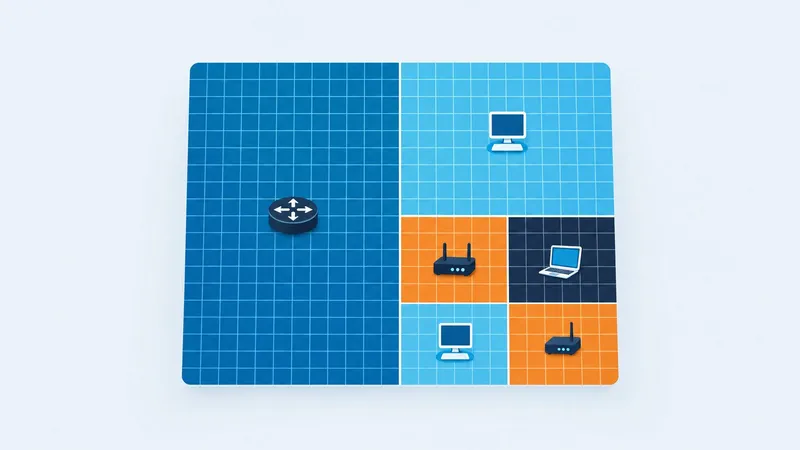
IP & Network
Subnets and CIDR explained: what /24 and /28 mean
How CIDR prefixes and subnet masks work, how many usable addresses each size has, how to split a range into smaller subnets and how IPv6 differs.
-
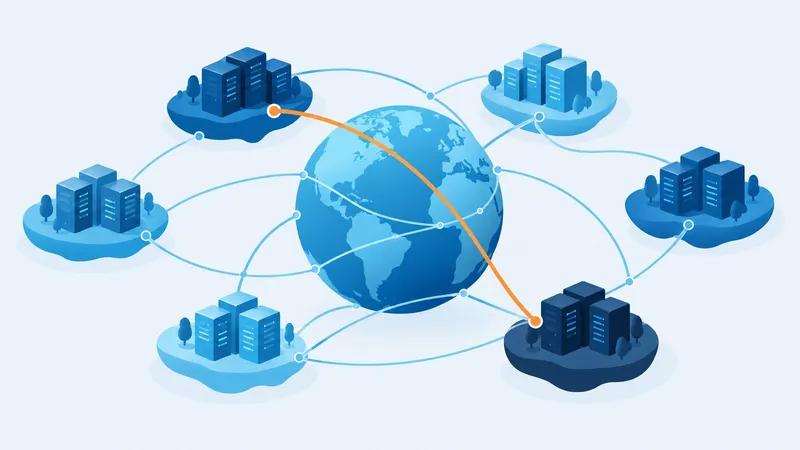
IP & Network
What is an ASN, and who owns this IP address?
What autonomous system numbers are, how an IP address leads to the network that owns it, why a CDN shows its own network and what an ASN lookup can and can't tell you.
-
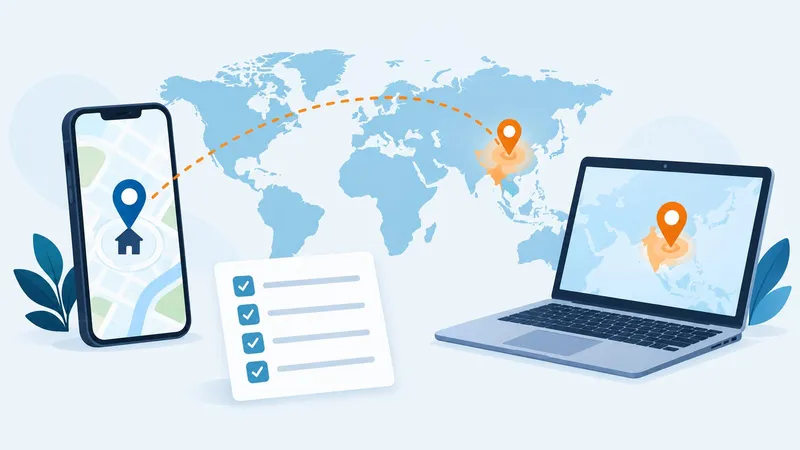
IP & Network
Is your VPN working? Check your IP address and location
A simple four-step check that your VPN changes the IP address, network and country websites see, what the results mean and what to do if it isn't working.